A safer, simpler way to bank online
We’re introducing Multi-Factor Authentication (MFA) to digital banking.
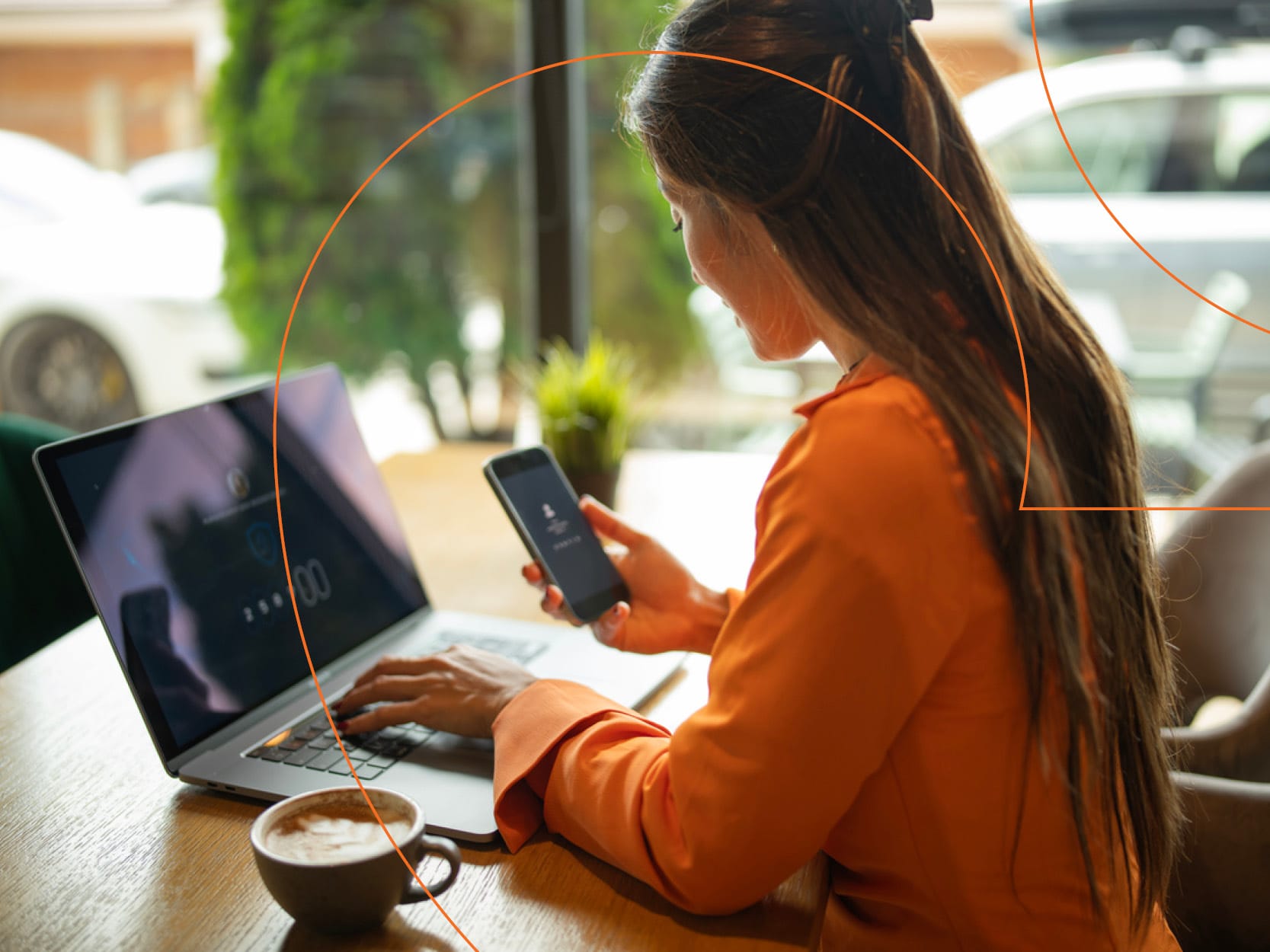
MFA adds an extra layer of protection when you log into internet and mobile banking. As well as entering your password, you’ll complete a quick extra step to confirm it’s you.
This could include:
- Approving a login on your mobile phone
- Entering a one-time verification code
- Using a secure passkey on your device
It’s quick, straightforward, and designed to fit easily into your everyday banking.
What’s changing?
When you log in, you’ll notice a small extra step to confirm it’s you. As well as your password, you’ll use your mobile phone, a one-time code or a secure passkey to complete your login.
Why this matters
This update helps keep your accounts and personal information better protected. It means:
- Extra protection when logging in
- Reduced risk of unauthorised access
- A more secure, modern way to bank online
These updates are part of our ongoing focus on keeping your banking safe, secure, and easy to use. If you have any questions, our team is here to help.
Options for authentication
Depending on your device and preferences, you can verify using one of these secure methods:
Passkey: Use a passkey stored on your device to verify your identity. You can use your device’s screen lock, such as your fingerprint, face recognition or PIN.
Email one-time passcode: A unique code will be sent to your registered email address. Enter the code when prompted to securely complete your login.
SMS one-time passcode: A unique code will be sent to your registered mobile number. Enter the code when prompted to securely complete your login.